
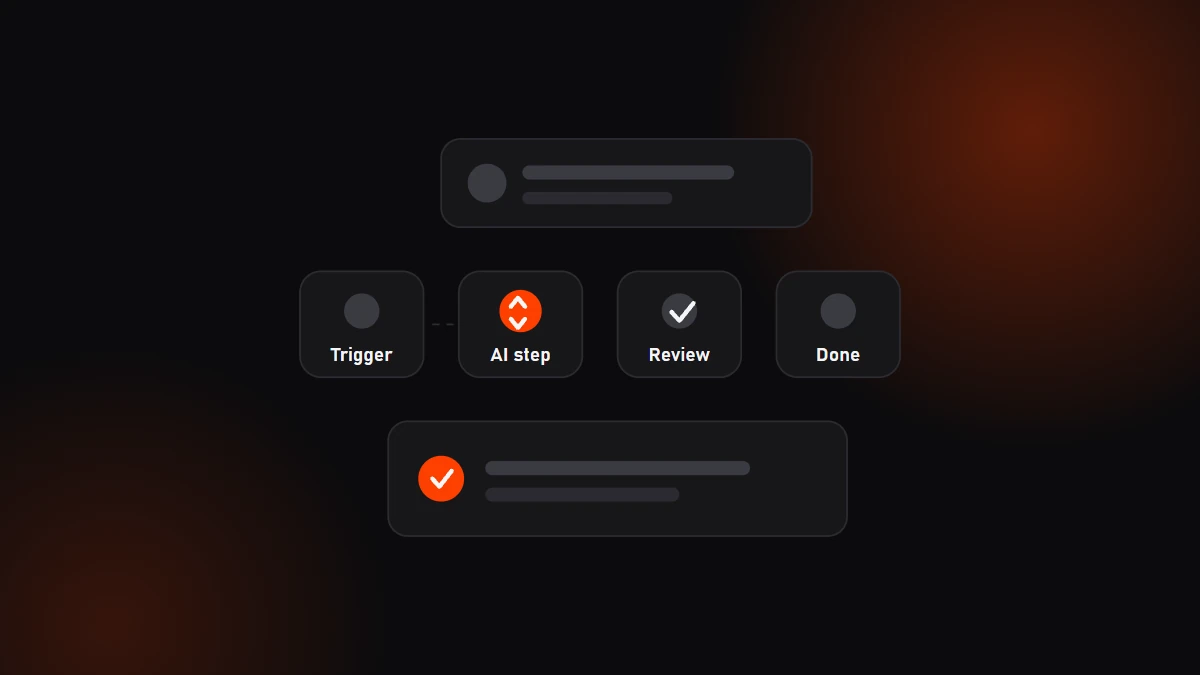
The best first AI workflow is rarely the most impressive one. It is a small, repeatable task that people already understand, where mistakes are easy to spot and a person can step in. Starting there builds trust in the process, shows what the tools can and cannot do, and gives you a foundation to expand from. Here is a practical way to choose.
Look for repeatable, rule-based tasks
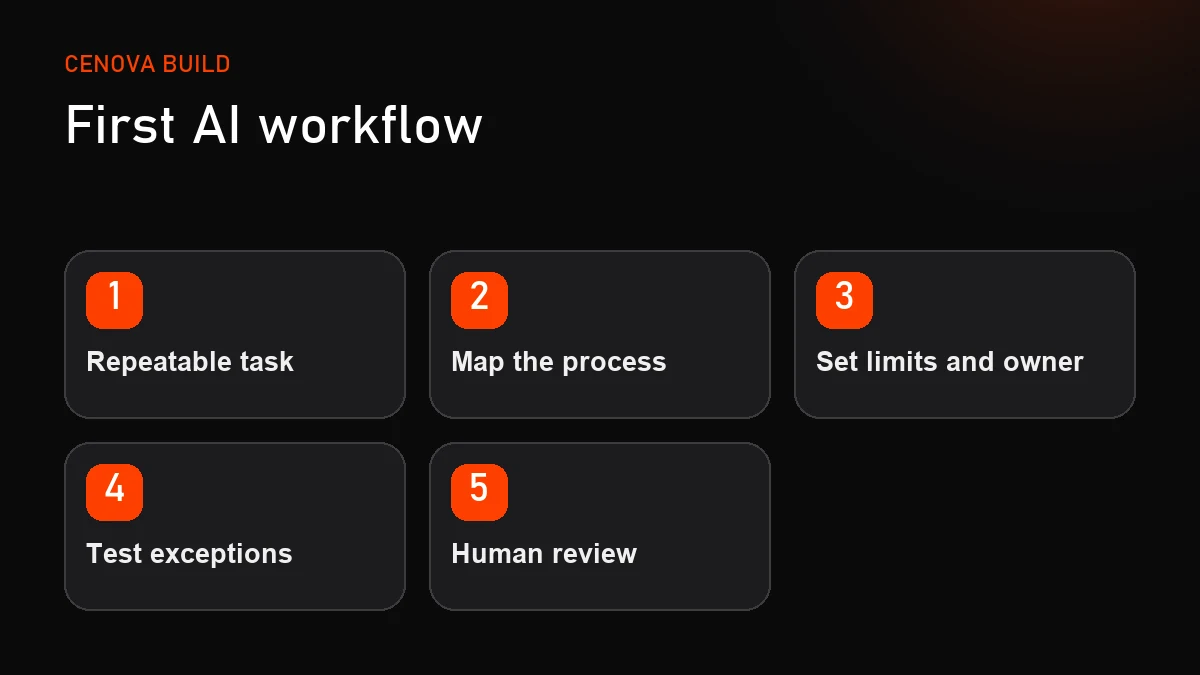
List the tasks your team repeats every week: sorting enquiries, copying details between systems, drafting standard replies, preparing weekly summaries. The strongest candidates have a clear trigger, a predictable set of inputs and an obvious finished result.
Tasks that depend on delicate judgement, unclear information or high-stakes decisions are poor first choices. Save them until you understand how the workflow behaves.

Map the process before choosing a tool
Write the steps in order: what starts the process, what information is needed, who decides, and what happens next. Mapping it exposes missing steps and unspoken rules that no tool can guess.
Only then compare tools. Many workflows need no AI at all; a simple automation that moves information between systems may solve the problem more reliably. Use AI where the task involves language, such as summarising or classifying, and keep fixed rules for everything else.
Define what the workflow may and may not do
Set clear limits: which systems it can read, what it can change, and which actions always need approval. Give it the least access it needs. A workflow that drafts a reply for review carries far less risk than one that sends messages on its own.
- List the data the workflow can see, and the data it must never touch
- Decide which actions need a person to approve them
- Name one owner who is responsible for results and fixes
- Record what should happen when something fails
An example of a good first workflow
Consider a small service business that receives enquiries through a website form. A sensible first workflow could capture the form details, check that the required fields are present, tag the type of service requested, and prepare a draft acknowledgement for a team member to review and send. This is an illustrative example, not a client result.
Notice what makes it a good starting point: the trigger is clear, the information is limited, nothing is sent without a person approving it, and the outcome is easy to judge. If it works, the same pattern can be extended to other enquiry types.
Plan for exceptions and test them
Real inputs are messy. Test with ordinary cases, but also with missing fields, unusual wording and duplicate entries. Note what the workflow does when it is unsure, and make sure the answer is to pause and ask a person.
Keep a short log of failures and corrections during the first weeks. It shows where the rules need tightening and helps you decide whether the workflow is ready for wider use.
Keep people involved in the right places
Human review is not a sign that automation failed. It is how you keep quality high while the workflow earns trust. Place approval steps where an error would reach a customer, change a record or commit money.
As confidence grows, you can reduce review on low-risk steps and keep it on the important ones. Make that a deliberate decision, not a gradual drift.
Measure usefulness honestly
Choose measures that fit the task: time to first response, number of manual corrections, or how often the output needed rework. Compare them with how the task ran before.
Avoid promising fixed time savings in advance. Results depend on the volume, the quality of the inputs and how well the process was defined, so judge them against your own baseline.
Common mistakes to avoid
Automating a broken process only makes the problem faster. If the steps are unclear or the data is unreliable, fix those first. Another frequent mistake is connecting too many systems at once, which makes failures hard to trace.
Teams also underestimate maintenance. Tools change, forms are edited and rules need updating. Agree who will watch the workflow after launch, and how changes will be tested before they go live.
If you want a second opinion on where automation fits in your business, our AI automation and workflow team can help you review candidate tasks and plan a small first workflow.
Related reading: Choose Marketing Metrics That Support Decisions · What to Agree Before Building a Website or App
Frequently asked questions
What is the best first task to automate?
Choose a repeatable task with clear inputs and a simple finished result, such as routing enquiries or preparing a standard summary. Avoid tasks that need sensitive judgement.
Do I need AI for every automation?
No. Many workflows only need fixed rules to move information between tools. AI is most useful for language tasks such as drafting, summarising or sorting messages.
How do I keep an AI workflow safe?
Limit its access, require approval for important actions, name an owner, test unusual cases and keep a log of errors and corrections.
How long does it take to set up a first workflow?
It depends on the task, the tools involved and how clearly the process is defined. A small, well-scoped workflow is usually quicker than a broad one.
Will automation replace my team?
A well-chosen workflow removes repetitive steps so people can focus on judgement and customer conversations. The aim is support, not replacement.
How do I know when a workflow is ready to expand?
When it handles ordinary and unusual cases correctly, errors are rare and easy to correct, and the owner is confident about how it behaves, you can extend it carefully.
